
You can configure the IdP settings for authorization and configure the role settings from the Auth Settings page.
To configure the IdP settings in AAHC:
Click Auth Setting from the left navigation bar.
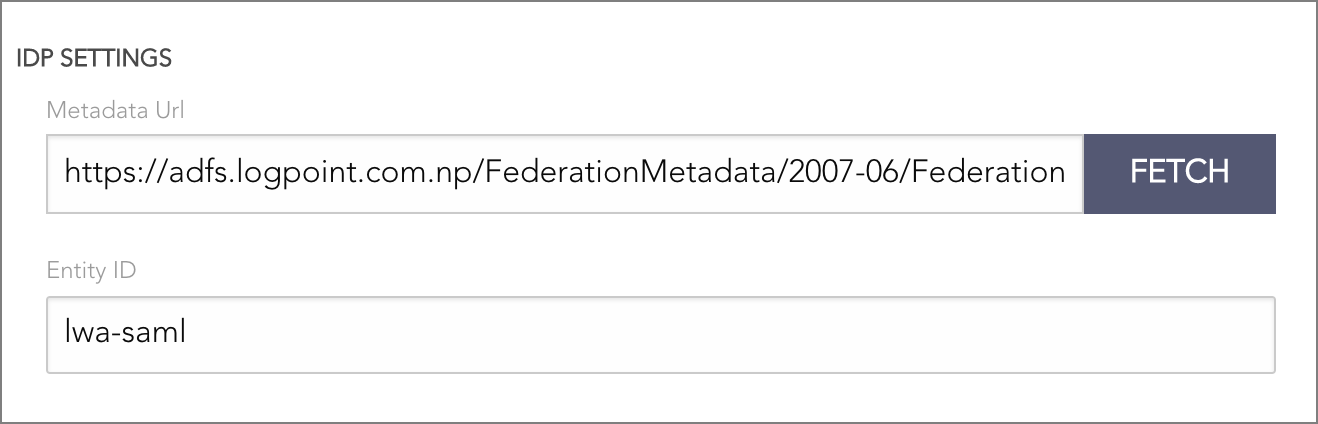
IDP Settings
Enter the Metadata URL of your IdP server.
Click Fetch to get the entity ID, login URL, logout URL, and the token signing certificate for the AAHC.
Click Create IDP Mapping.
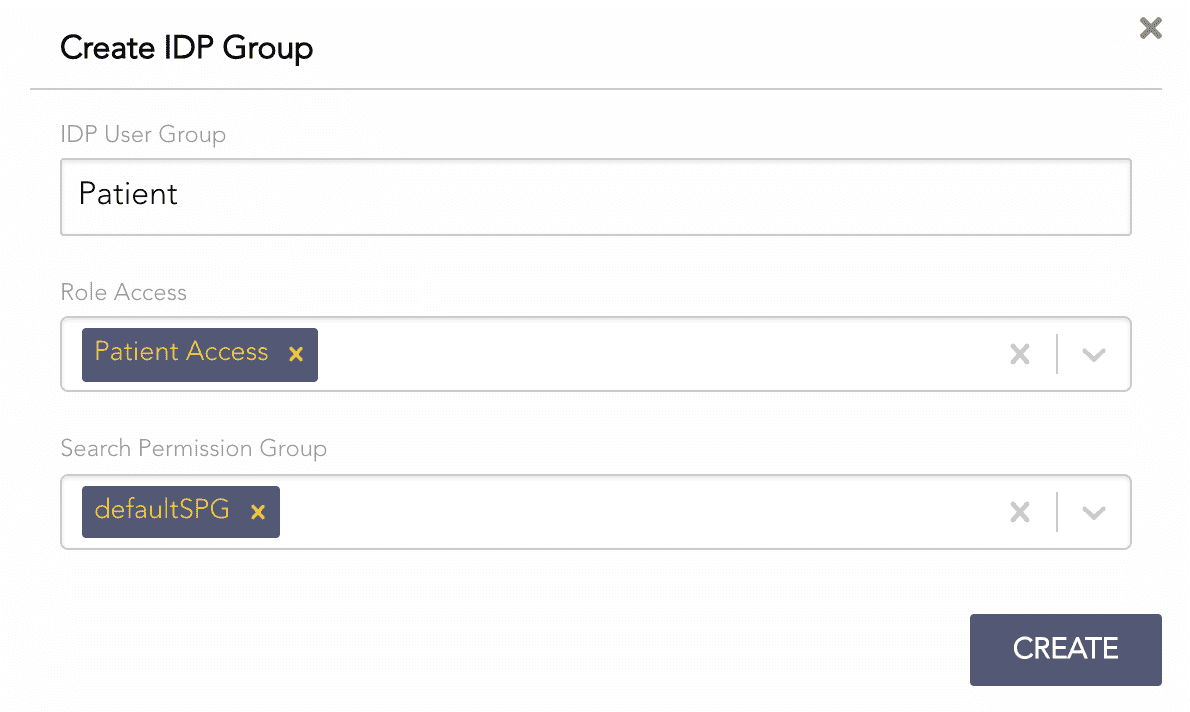
Creating an IDP Mapping
Enter the IDP User Group. An IDP User Group is the Roles attribute’s value in the SAML token.
Select Role Access.
The User Access option allows you to search by User ID.
The Patient Access option allows you to search by Patient SSN.
The All Access option allows you to search by both User ID and Patient SSN.
The Report Access option allows you to only view the AAHC reports.
The Report Admin option allows you to view the AAHC reports and delete the archived reports.
The Super Admin option allows you to create predefined search queries and report schedulers.
Select Search Permission Group.
Click Create.